

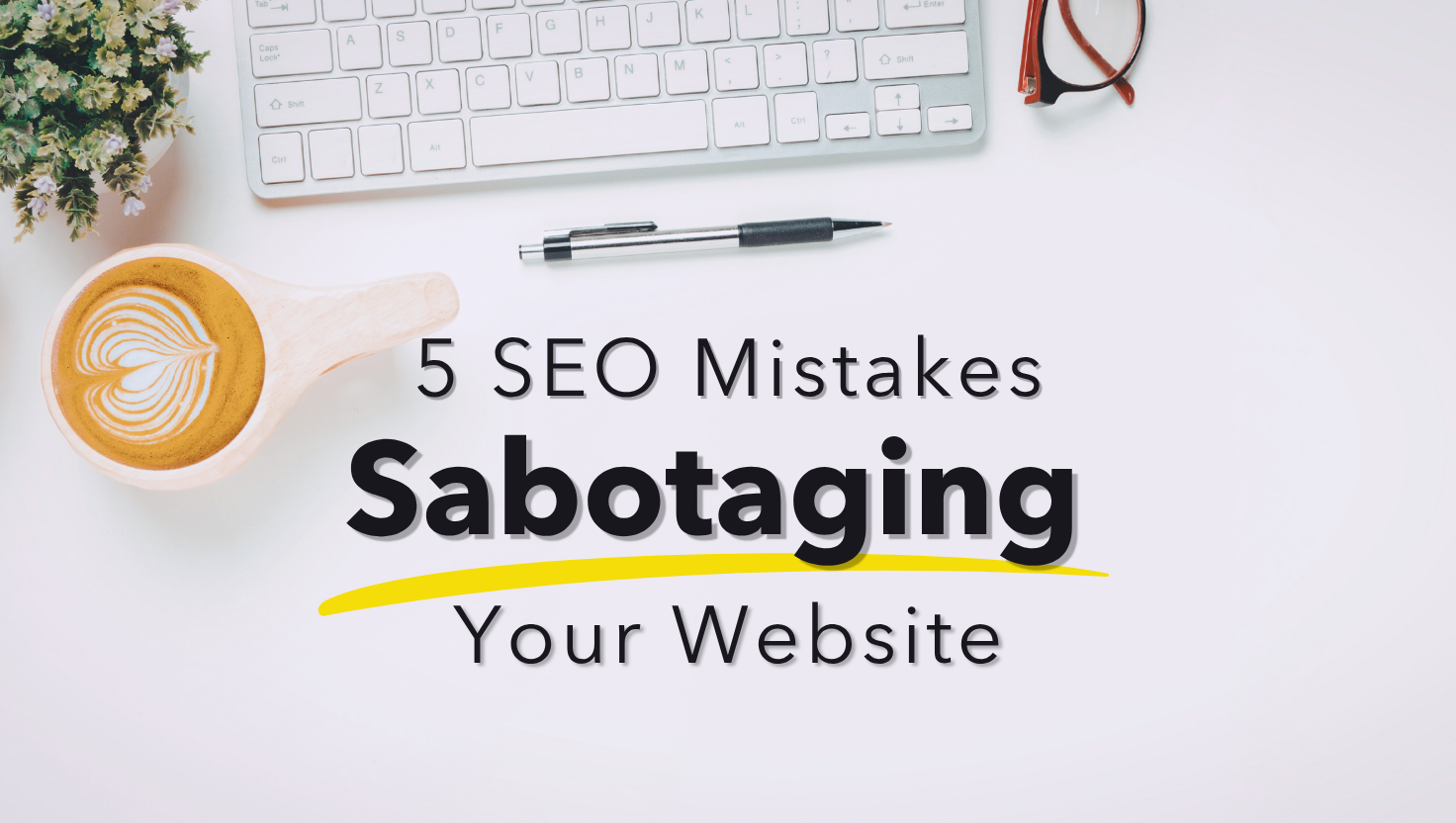

Stop Losing Clients to These Common Photographer SEO Mistakes
Photographer SEO mistakes are costing you clients right now.
If your website feels like a ghost town, there’s a good chance you’re making one (or five) of the most common photographer SEO mistakes.
And before you spiral into “I’m bad at tech” mode, let me stop you right there:
- These aren’t complicated fixes
- They’re just easy to overlook when you’re juggling sessions, editing, and everything else
- You can fix them today
On this week’s episode of the Get Booked Podcast, we broke down the top photographer SEO mistakes over and over again.
And yes, I’ve made every single one of them.
So if you’re nodding along like, “Wait, that’s me,” don’t worry. We’re going to walk you through exactly what’s going wrong and how to fix it.
Table of Contents
Listen to the Podcast
Listen to the Get Booked Photography Podcast (Previously Keep It Moving) Whether you’re refining or completely relocating your photography business, this show is for you! We cover all the major topics from money, to relocating, marketing and more. Subscribe now on Apple Podcasts or Spotify.
Want the notes in writing? Get the Next Steps Notes straight to your inbox by clicking here.
But first, let’s talk about the tool that changed everything for my website traffic.
ShowIt Tripled My Website Traffic — Here’s Why That Matters
Before we dive into the photographer SEO mistakes most often, I have to tell you about ShowIt. This ties directly into what we’re talking about today.
Here’s what happened:
- I switched from FlowThemes to ShowIt back in fall 2023
- Six months later, my marketing strategist sent me a message that made me do a triple-take
- My organic traffic had tripled
I wasn’t doing anything new. I was already:
- Blogging consistently
- Using keyword research
- Adding alt text
- Structuring my headers correctly
The only thing that changed was the platform. When I asked her what the heck happened, she said, “It’s just a quality website.” That’s it. ShowIt is built in a way that Google loves, and it shows.
Here’s what we love about it:
- Hosting is included — no more juggling GoDaddy, Bluehost, or SiteGround bills
- Fully customizable design — it’s like Canva for websites, but way more powerful
- Templates make it easy — grab a template on Etsy for $47 or invest in something from Tonic Site Shop
- SEO-friendly right out of the gate — the structure, speed, and control you get makes optimization easier
Melissa uses ShowIt for her marketing agency site. She loves how much control she has over SEO elements compared to other platforms.
If you’re serious about being found online, this is the move. (We’ve got links in the show notes if you want to try it out.)
Now, let’s get into the SEO mistakes photographers make that are keeping your site from showing up in search results.

Mistake #1: Your Keywords Are Either Too Broad or Too Narrow
This is hands down one of the biggest photographer SEO mistakes. If your homepage says “family photographer” or “newborn photographer” and nothing else?
That’s not going to cut it. Here’s why:
- Those keywords are way too broad
- You’re competing with literally everyone
- Google has no idea where you are
On the flip side, if you’re targeting a tiny town with zero search volume, you’re also stuck. I see this all the time:
- Photographers who live in rural areas using their one-stoplight town as their main keyword
- The problem? Nobody’s searching for that
- Zero search volume = zero traffic
Here’s what to do instead:
- Choose the largest city you serve — not where you live, but where your ideal clients are searching
- Pick ONE genre — don’t try to be a “Charlottesville wedding portrait and newborn photographer” (that’s a sentence, not a keyword)
- Use the formula: City + Genre + Photographer — for example: “Charlottesville family photographer” or “Honolulu beach photographer”
My real-world example: Honolulu isn’t where I shoot. But it’s where my clients are staying.
- They’re searching for photographers in Honolulu
- I pull them out to Kailua for their session
- It works because I’m meeting them where they’re already looking
And yes, this means one keyword per page.
- Your homepage gets one
- Your portfolio page gets a different one
- Your blog posts each get their own
If you try to rank for everything on every page, you’ll rank for nothing.
Mistake #2: You’re Not Renaming Your Images or Adding Alt Text
Another common photographer SEO mistake? Leaving their image file names as “DSC_0001.jpg.” We need to talk about this.
Google looks at your file names.
I’m not kidding. Here’s a real story:
- Melissa once had a client who accidentally misspelled “newborn” in a batch of files
- Her site started showing up for a keyword we absolutely did not want
- Once we fixed the file names, the problem went away
Here’s how to fix it:
For your image file names:
- Rename your images before you upload them
- Use your keyword plus your business name
- Example: “charlottesville-family-photographer-melissa-arlena-001.jpg”
For your alt text:
- Describe what’s in the photo
- Work your keyword in naturally
- Example: “Mom and toddler laughing on the beach during Honolulu family photography session”
This does two things:
- It helps Google understand what your images are about
- It helps people find you through image search
Win-win.

The “Wild Card”
That’s what he said. “The good news is you’re doing everything right. The bad news is you’re already doing everything. You’re a bit of a wild card.”
I’ve relaunched my photography business 7 times. From being all-inclusive photographer charging just $150 to running a six-figure business where clients happily invest thousands per session, I’ve experience the full spectrum of this industry – all on my own.
Now I’m help other photographers move faster, and make more – more money, more clients, more freedom. Book a Free 15 now!
Mistake #3: You’re Using the Same Keyword Everywhere
Back in 2012, we used to spam the same keyword across every page. We’d rank for multiple spots on page one. Those days are over.
Now, using the same keyword on multiple pages is one of the most damaging photographer SEO mistakes.
Here’s what happens when you do this:
- Those pages compete with each other
- You usually end up with the wrong page ranking
- Like a random blog post from 2019 instead of your actual portfolio
The rule is simple:
One keyword per page. After you’ve used it, it’s dead to you.
My system:
- I keep a spreadsheet of every keyword I’ve used in my blog posts
- This way I don’t accidentally cannibalize them later
- I know exactly which keyword goes to which page
But can you still mention that keyword in other posts?
Yes!
That tells Google, “Hey, this is the page that matters for this keyword” You can still mention that keyword in other posts Just make sure you link back to the original page where you’re targeting it
Don’t Stop Here — Two More Critical SEO Mistakes Photographers Make
We just covered three of the biggest photographer SEO mistakes. But we didn’t stop there.
In the full podcast episode, we break down two MORE critical mistakes that could be costing you clients right now. These are the mistakes that:
- Keep you invisible in search results no matter how much you blog
- Make potential clients leave your site before they even contact you
- Sabotage all your other SEO efforts
Here’s what you’ll learn when you listen to the full episode:
- Mistake #4: The blogging mistake that’s keeping you invisible (and the exact fix)
- Mistake #5: Why your website speed matters more than you think — and what’s slowing you down
- BONUS tip: The one thing missing from your website that’s making people leave without contacting you
Seriously, these are game-changers. Don’t make the mistake of thinking you’ve got SEO figured out after just these three tips. The other two SEO mistakes photographers make are just as critical — and just as fixable.
Listen to the full Keep It Moving podcast episode here
You’re Not Starting Over — You’re Starting Smarter
Look, avoiding photographer SEO mistakes can feel overwhelming. But these three mistakes alone are some of the easiest fixes you can make.
And they’ll have a massive impact on your traffic and bookings. Here’s your action plan:
- Rename your images with your keyword and business name
- Pick one keyword per page and stick to it
- Stop using the same keyword everywhere
- Keep a spreadsheet so you don’t accidentally compete with yourself
- Listen to the full podcast episode for mistakes #4 and #5
You don’t need to be a tech wizard to get this right. You just need to stop doing the things that aren’t working and start doing the things that do.
Ready to stop spinning your wheels and actually get found online?
- Grab my 39 Ways to Get New Clients — Free!
- Book a Free Discovery Call to talk through your SEO strategy
- Follow me on Instagram @alisonbellphotog for more tips
Want more photography business coaching and mentoring? I’ve got resources to help you build a business that works for your life.
You’ve got this.
More Resources for Photographers
- The 5 Photographer SEO Mistakes Sabotaging Your Website (And How to Fix Them Today)

- How to Price Photography: The Strategy That Stops Clients From Running
- How to Organize Photos Into Folders

- Pareto Principle Photography: Stop Spinning Your Wheels and Focus on What Actually Works
- Marketing for Photographers: Stop the Feast-Famine Cycle

- Photography Blogs for Beginners: The Posts That Still Bring Me Clients Years Later


I'm a USMC spouse, South Carolina native, recovering homeschool mama of a 4 boy circus. They've taught me the most important facet of family photography: KEEP IT FUN!
Alison's Process
contact Alison